10 best Astro starter templates in 2026 (and when a CLI wins)
A curated list of ten Astro starter templates worth using in 2026, with honest notes on who each one fits — plus when a CLI beats a template.
Astro has a strong template ecosystem. For most types of site — blog, portfolio, docs, landing page — there’s a well-maintained starter that gets you to “working site” in minutes. The catch is that templates are starting points, not destinations: the closer your project gets to shipping, the more you end up rewriting.
This post does two things. First, it lists ten Astro starter templates worth your time in 2026, with honest notes on who each is for. Second, it covers when scaffolding with a CLI beats forking a template — because for some projects, it does.
Template or CLI? A quick decision tree
- Pick a template if you want a known-good design out of the box and you’re willing to live within its visual decisions.
- Pick a CLI (
create-astrofor the official path,astro-ignitefor a production-shaped one) if you want a scaffold whose structure and content already match your project shape.
Both paths produce Astro projects. The choice is about how much of the starting point you’d otherwise rewrite.
The 10 templates
The templates below are real and have been maintained for years, but software changes. Re-check each repo’s last-commit date and license before forking. Listed in no particular order.
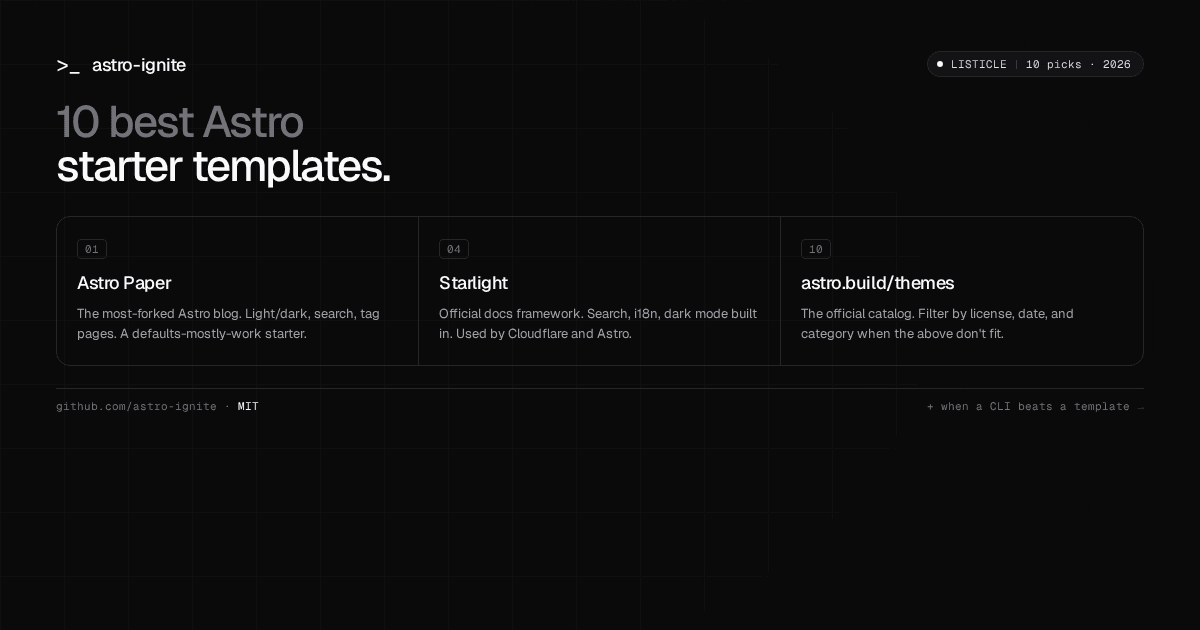
1. Astro Paper — a blog
A minimal, accessible blog with light/dark mode, fuzzy search, tag pages, and pinned posts. The most-starred Astro blog template and the most-forked.
- Repo: satnaing/astro-paper
- Best for: writers who want defaults that mostly work.
2. Astrofy — a portfolio
A clean portfolio with sections for projects, blog, certifications, and contact. Designed for developers who want a single page that summarizes a career.
- Repo: manuelernestog/astrofy
- Best for: solo devs assembling a personal site.
3. Astrowind — a landing page
A Tailwind-based landing-page starter with reusable sections (hero, features, pricing, FAQ). The fastest way to a marketing site that doesn’t look like a template.
- Repo: onwidget/astrowind
- Best for: SaaS and product landing pages.
4. Starlight — a docs site
The official docs framework for Astro, built by the Astro core team and used by projects like Cloudflare’s docs. Search, i18n, and dark mode are built in.
- Repo: withastro/starlight
- Best for: open-source libraries and product docs.
5. Astroship — a SaaS landing
Another Tailwind landing-page starter, more opinionated than Astrowind. Comes with a blog and feature pages. The Pro version is paid; the free version is enough for most launches.
- Repo: surjithctly/astroship
- Best for: SaaS launches with limited time to design.
6. Astro Nano — a minimal blog
Strips everything but the writing. No header image, no sidebar, no social buttons. Good if your blog is about words and you don’t want to fight typography choices.
- Repo: markhorn-dev/astro-nano
- Best for: writers who’d rather edit prose than CSS.
7. Accessible Astro Starter — accessibility-first
A general-purpose starter built from the ground up for WCAG compliance. Useful baseline if you’re building for an organization with accessibility requirements.
- Repo: incluud/accessible-astro-starter
- Best for: agencies and orgs with accessibility obligations.
8. Astro Boilerplate — a kitchen-sink starter
A more complete boilerplate with Tailwind, TypeScript, SEO defaults, and a blog. Heavier than the minimal options, but you don’t have to bolt on the basics.
- Repo: ixartz/Astro-boilerplate
- Best for: devs who want a complete starting point and will trim later.
9. Dante — a personal site
A magazine-style theme. Less common than the Astrofy aesthetic, useful if you want your portfolio to stand out visually.
- Repo: JustGoodUI/dante-astro-theme
- Best for: designers and writers who want a stronger visual identity.
10. The Astro themes directory
Not a single template — the official catalog at astro.build/themes. If none of the above fits, this is where to look next. Filter by free vs paid, and check the last-update date before you commit.
The limits of templates
Templates get you to “working site” fast, but three things show up by the time you ship:
- Design drift. You start with a coherent design system. You add one component the template didn’t include — a custom pricing table, a unique blog index — and now the site has two design languages.
- Customization debt. Templates ship many features by default. The ones you don’t need still live in the codebase. Removing them is slower than building from less.
- Stale dependencies. A template last updated eight months ago is on an old Astro version, an old Tailwind, and possibly a deprecated integration. Forking starts you in a hole.
None of these are reasons to avoid templates. They are reasons to pick the right starting point for the work you’re going to do anyway.
When a CLI beats a template
For some projects, scaffolding wins:
- You need production basics from day one. SEO, i18n, sitemap, legal pages, cookie banner, OG images — wiring these into a fresh template fork takes hours. A scaffold ships them ready.
- You scaffold a lot. Agencies, freelancers, and hackathon teams build the same shape of site repeatedly. Reproducible scaffolds beat fork-and-strip workflows.
- You want a minimum surface area. Templates default to comprehensive. CLIs can default to minimal and let you opt in.
- You want owned code. A CLI like
astro-ignitecopies code into your repo with no runtime dependency, which is cleaner than depending on a template author’s release cadence.
The official create-astro covers the minimal case well. If you want production-shaped on top — typed JSON-LD, i18n parallel routes, legal templates, contact form, and a shadcn-style component registry — astro-ignite is the open-source CLI built for that. The full comparison post goes through both options in depth.
Try the CLI route
npx create-astro-ignite@latestYou’ll pick a template (starter or docs) and answer a few setup questions. The output is a standard Astro project — no lock-in, no runtime dependency.
If you’d rather see it work first, the 5-minute Astro blog tutorial walks through a complete build.
And if you found this list useful, star astro-ignite on GitHub — that’s how open-source projects keep going.